

SOLIDWORKS Composer
Overview
SOLIDWORKS Composer – Advanced 3D Technical Communication with Interactive Product Documentation
Engineers have always envied Illustrators and Graphics art specialists and creative designers when it comes to product presentation and service manual preparation. Start documentation sooner in the design process and update it faster when design change. Reduce the errors occurring on the shop floor due to low quality of shop floor instructions. You can show your product is assembled or repaired so you can eliminate the language barriers. Decrease the total documentation time.
Key 3DVIA Composer benefits from Dassault Systemes:
Create accurate and graphic-rich product documentation. Reduce documentation costs by at 25% or more. Win more business and differentiate your products from competitors. Add life to documentation with interactive 3D animations. Engineers are free to design, not create documentation. Fewer shipment delays or blocked payments.
Core Functionalities
Choosing the right SOLIDWORKS package depends on your design needs, team size, and project complexity.
From Standard to Premium, we help you identify the ideal solution that maximizes performance while staying within budget.
-
Want to buy
SOLIDWORKS Composer?
Services & Training
We help you solve engineering challenges, together.
Whether you’re looking to outsource expertise or upskill your team, we work as a seamless extension of your organization to deliver measurable results.
Engineering Services
We help turn complex ideas into manufacturable products through robust design, analysis, and engineering support—focused on accuracy, efficiency, and real-world performance.
SOLIDWORKS Training
Develop practical SOLIDWORKS skills with flexible training programs designed for engineers, designers, and teams—covering essentials through advanced workflows.
FAQ
SOLIDWORKS Composer allows you to quickly create 2D and 3D graphical content to clearly explain and present your product or process. The tools let you work directly from 3D CAD data to create high-quality illustrations, photorealistic images, and interactive animations, and import design data
- STEP 1: Open a file. Open a new Microsoft Word Document through MS Word > File > New > Blank document.
- STEP 2: Access the Composer Player Control window through MS Word Go to File > Options. This opens the “word options” dialog box. On the Customize Ribbon Page > Select the developer check box > Click OK. …
- STEP 3: Link Composer file to MS Word
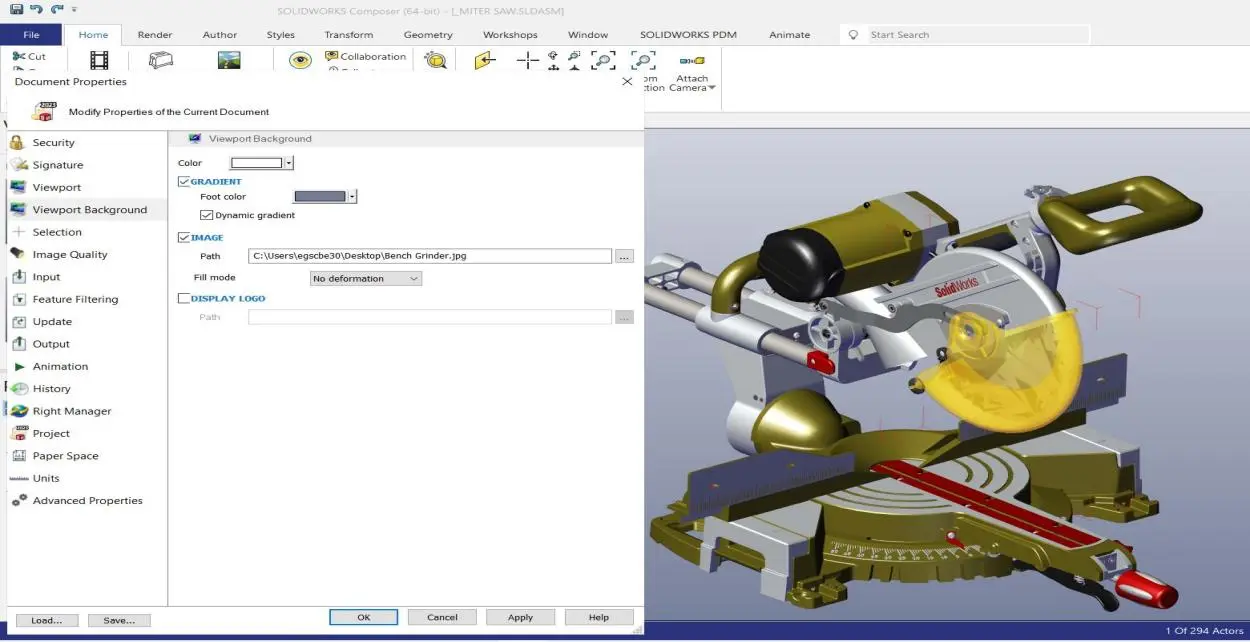
Yes, we can change the Customized background image in SOLIDWORKS Composer 2023 by going to File > Properties > Document Properties > Viewport background
Composer allows users in sales, marketing, customer service, training, support, and manufacturing to create associated 2D and 3D product deliverables directly from digital product data – without requiring CAD knowledge or CAD training.
Now in SOLIDWORKS Composer, we also have the ability to save video as FLV, MKV, and MP4 as well as AVI. This can be a time-saving if there was a prior need to convert AVI into one of these other formats using other software.
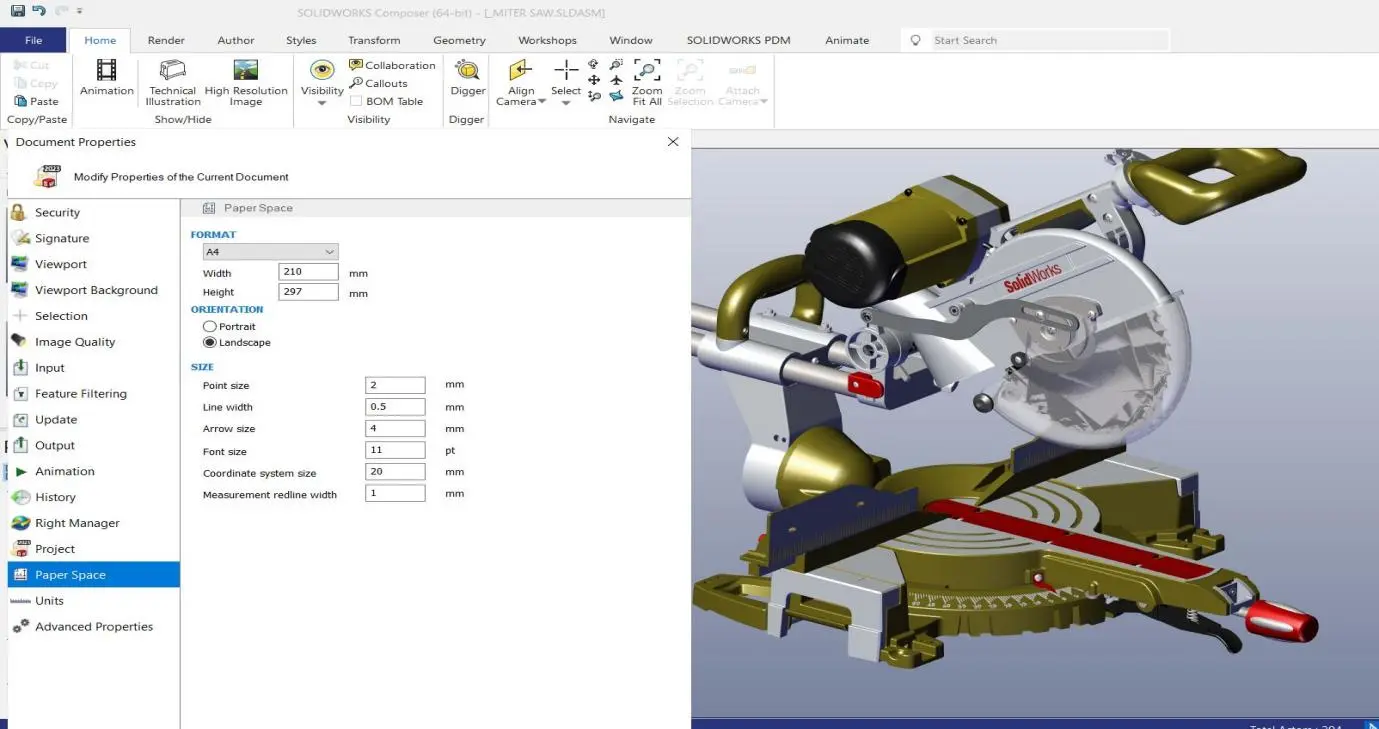
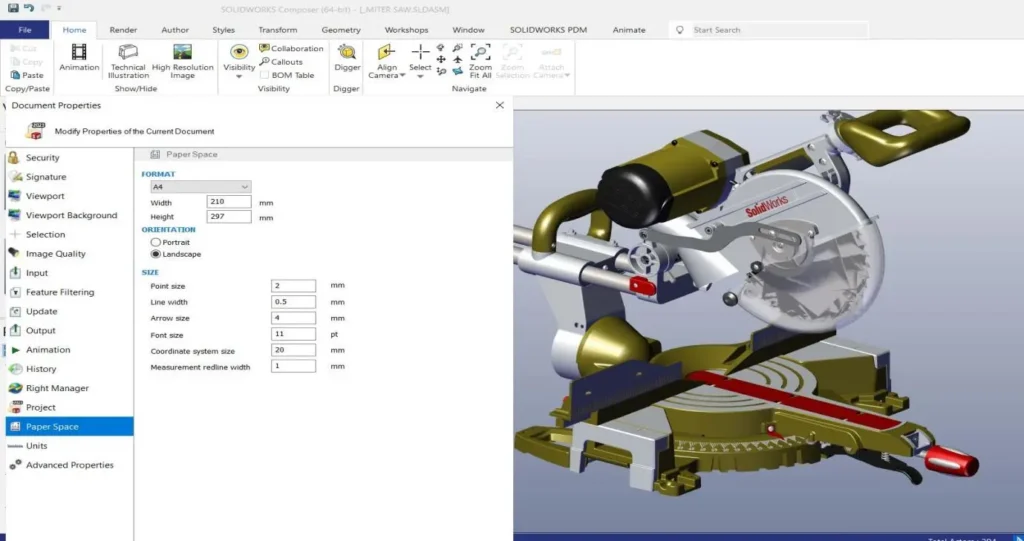
We can do exactly this in SOLIDWORKS Composer by formatting the Paper Space as needed for our projects. I can control the paper space size by going to File > Properties > Document Properties or Default Document Properties