SOLIDWORKS MBD
Overview
SOLIWORKS - Powerful 3D CAD with Built-in Simulation, PDM, PLM Cababilities.
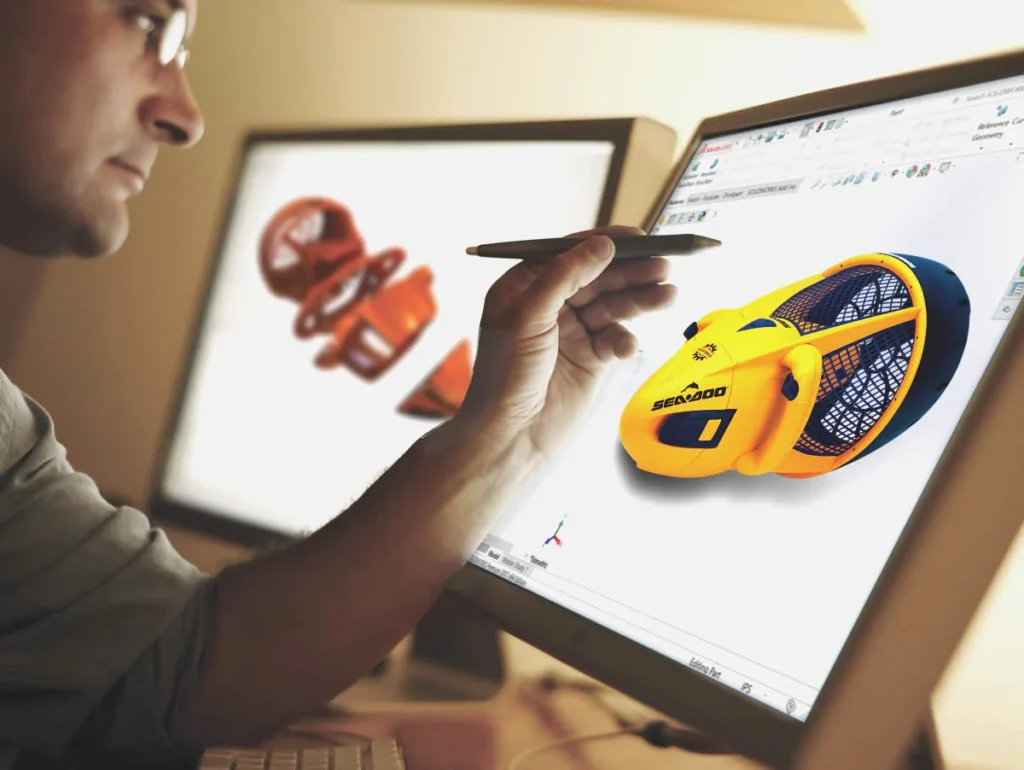
SOLIDWORKS MBD – Model based definition software is a new way of engineering process to publish a Product Manufacturing Information (PMI) data in a more interactive digital format which leads you to a whole new level of Drawingless and Paperless manufacturing technology.
MBD help designers and engineers to define annotations for parts and assemblies directly in 3D views with all the technical information such as Datum, Basic dimensions, Tolerance dimensions, Geometric tolerances, Bill of materials(BOM) etc. SOLIDWORKS MBD supports companies comply with industry standards, such as MIL-STD-31000A, ASME Y14.41, ISO 16792, DIN ISO 16792, and GB/T 24734
Advanced Customize templates for individual organization requirements for multiple pages and multiple viewport deliverables such as operations, manufacturing and inspection, SOLIDWORKS MBD delivers various types of file formats such as e-drawings, 3D PDF which can be viewed with a free adobe reader. In addition attachment of native and step model in the same document. This adds more accuracy and clarity while sharing manufacturing information with integrated 3D specifications
Core Functionalities
3D PMI Publishing
Publish Product Manufacturing Information (PMI) directly in interactive 3D format.
Direct 3D Annotation
Define datums, dimensions, tolerances, and BOM directly on 3D parts and assemblies.
Industry Standards Compliance
Supports MIL-STD-31000A, ASME Y14.41, ISO 16792, DIN ISO 16792, and GB/T 24734 standards.
Drawingless Manufacturing
Eliminates the need for traditional 2D drawings.
Feature Recognition
Recognizes features or dimensions from imported or solid models.
Custom Template Creation
Create advanced customizable templates for operations, manufacturing, and inspection deliverables.
Multi-Format Output
Export to eDrawings and 3D PDF viewable with free Adobe Reader.
Secure Data Sharing
Protect intellectual property with password-secured digital files.
Choosing the right SOLIDWORKS package depends on your design needs, team size, and project complexity.
From Standard to Premium, we help you identify the ideal solution that maximizes performance while staying within budget.
-
Want to buy
SOLIDWORKS MBD?
Services & Training
We help you solve engineering challenges, together.
Whether you’re looking to outsource expertise or upskill your team, we work as a seamless extension of your organization to deliver measurable results.
Engineering Services
We help turn complex ideas into manufacturable products through robust design, analysis, and engineering support—focused on accuracy, efficiency, and real-world performance.
SOLIDWORKS Training
Develop practical SOLIDWORKS skills with flexible training programs designed for engineers, designers, and teams—covering essentials through advanced workflows.