

 Login to 3DEXPERIENCE Platform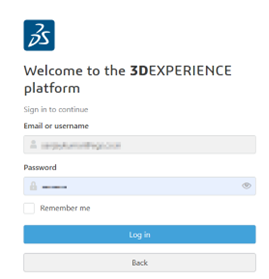
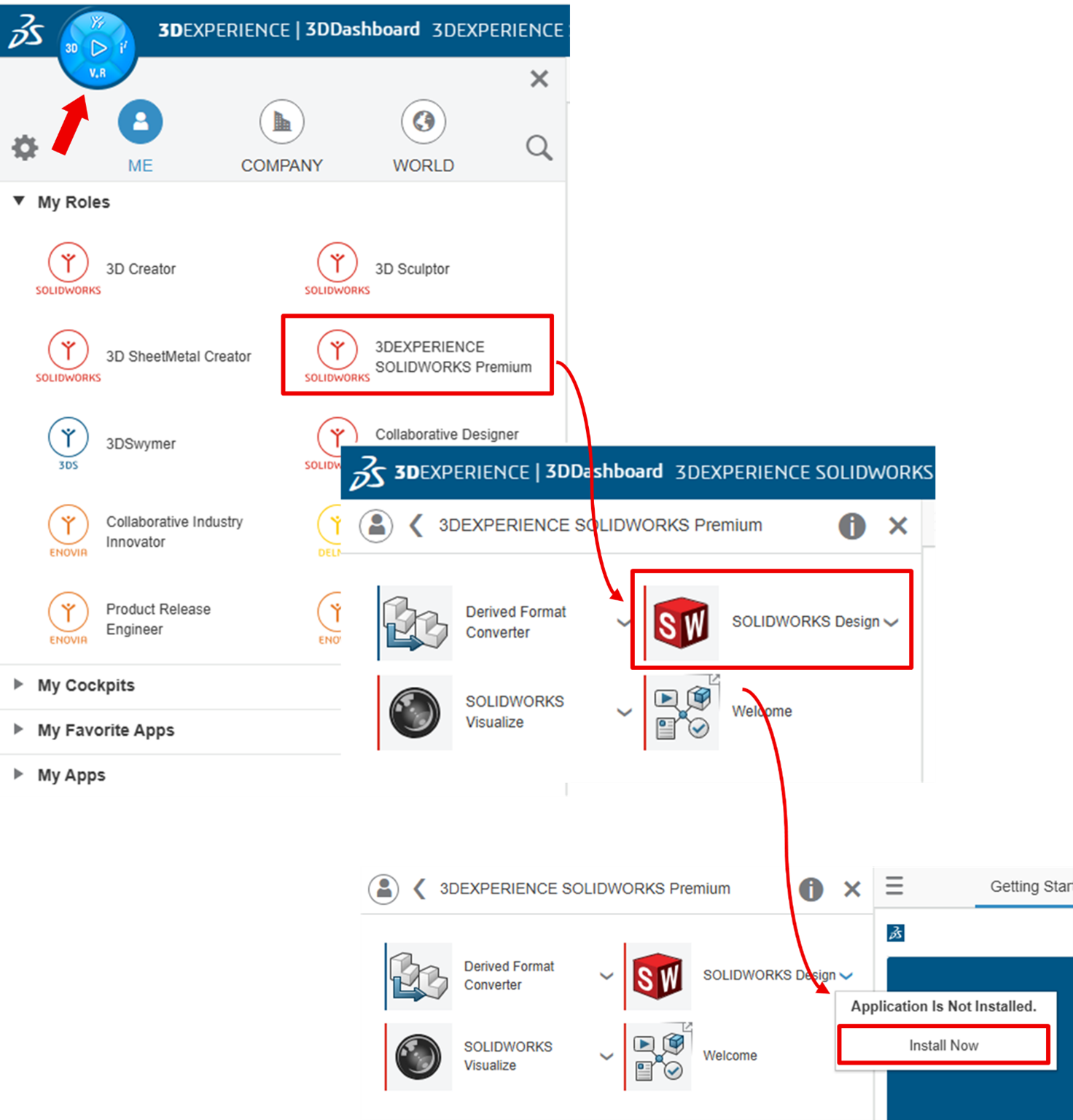
- Click Compass > Me > 3DEXPERIENCE SOLIDWORKS > SOLIDWORKS Design > Install Now
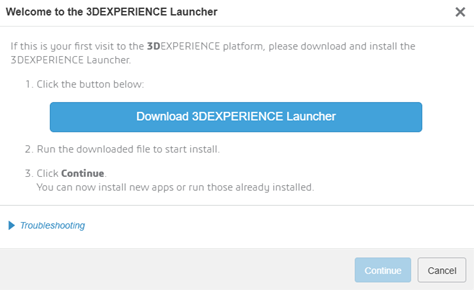
- In the Welcome to 3DEXPERIENCE Launcher dialog, click ‘Download 3DEXPERIENCE Launcher’.
- Locate the downloaded file 3DEXPERIENCELauncher and double-click to install.
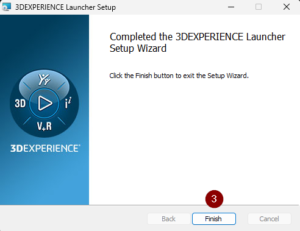
- Follow the prompts to complete the installation. We recommend that to use the file locations as default (C:\Program Files\Dassault Systemes\3DEXPERIENCE Launcher).
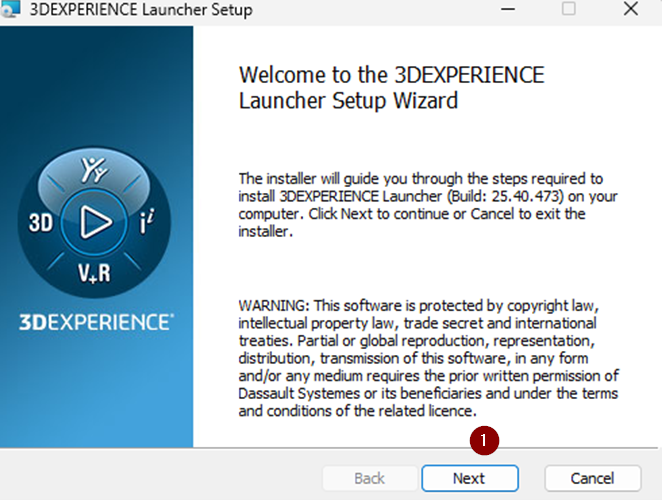
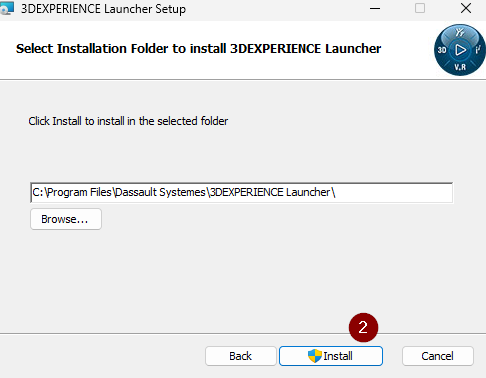
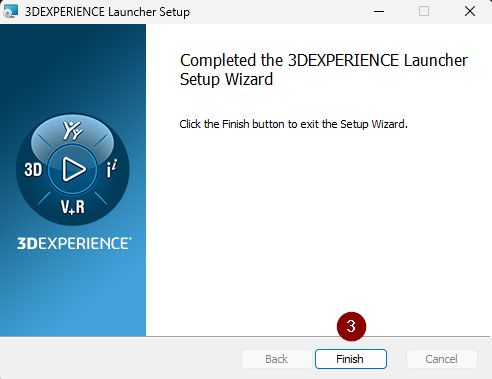
- In the 3DEXPERIENCE Platform, click ‘Continue’ to proceed with installing SOLIDWORKS Connected.
- In the 3DEXPERIENCE Installation web dialog, choose which roles to install:
- Install All Granted Roles install all roles granted to the user, e.g., SOLIDWORKS Connected, SOLIDWORKS Visualize Connected, etc.
- Install All Roles Containing SOLIDWORKS Design only installs the roles which contain SOLIDWORKS Connected.
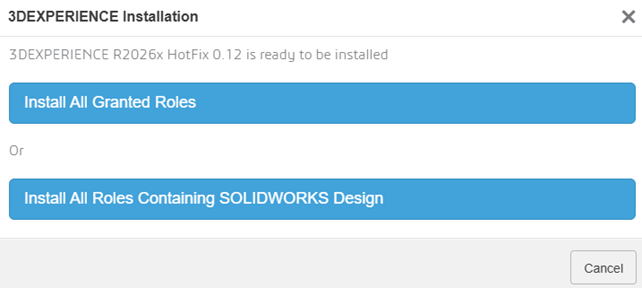
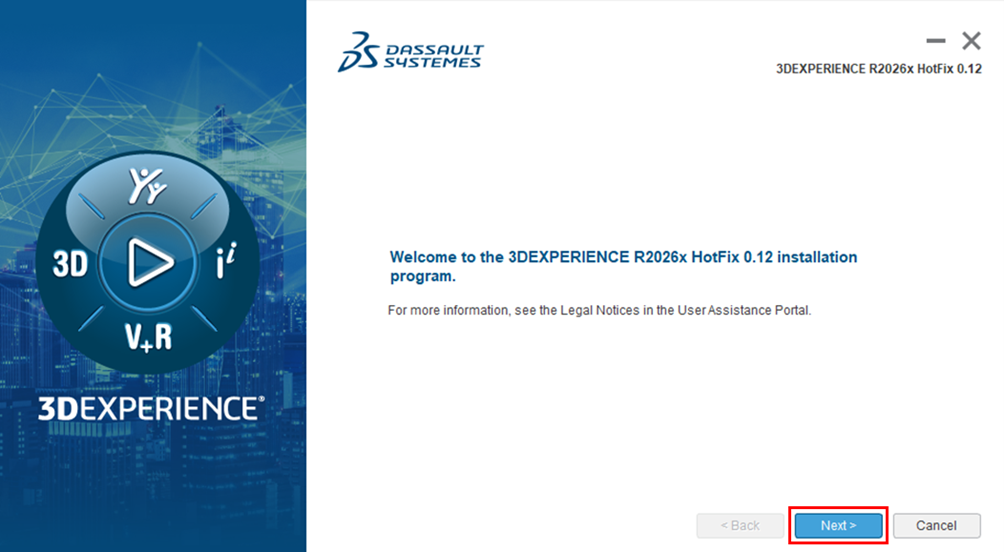
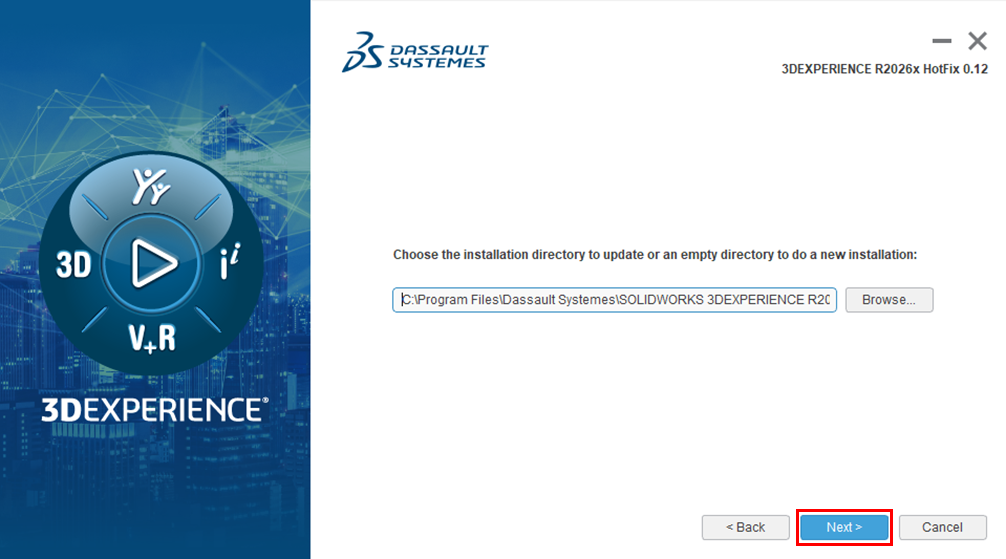
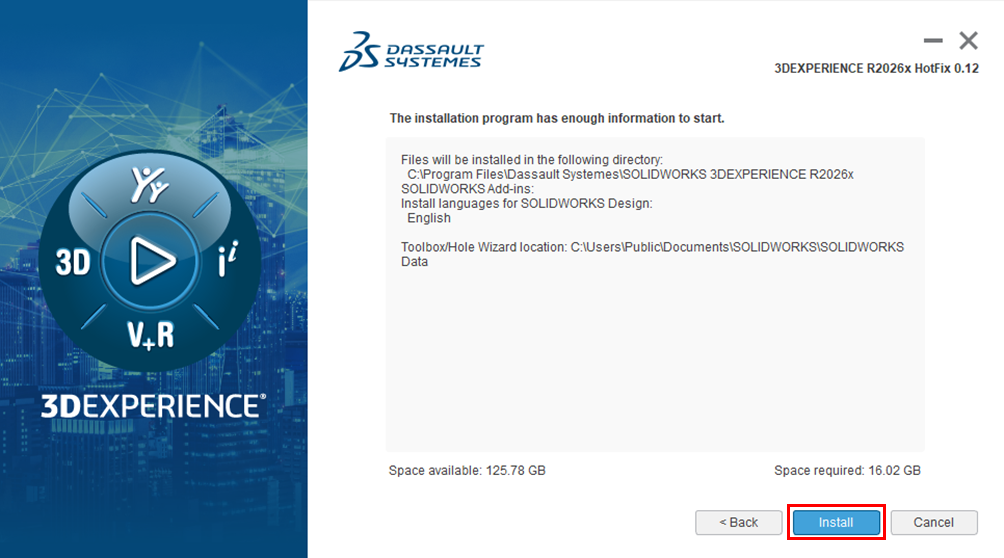
- Clicking Next to proceed with the installation. We recommend that to use the file locations as default.
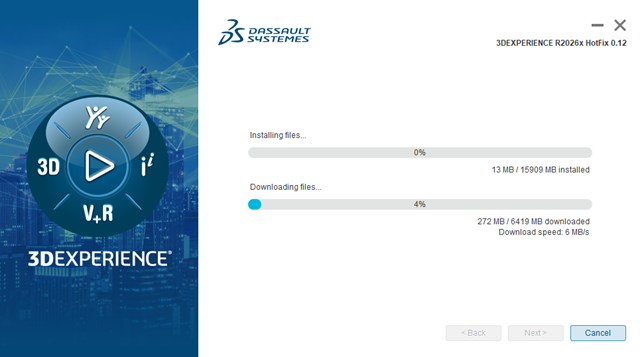
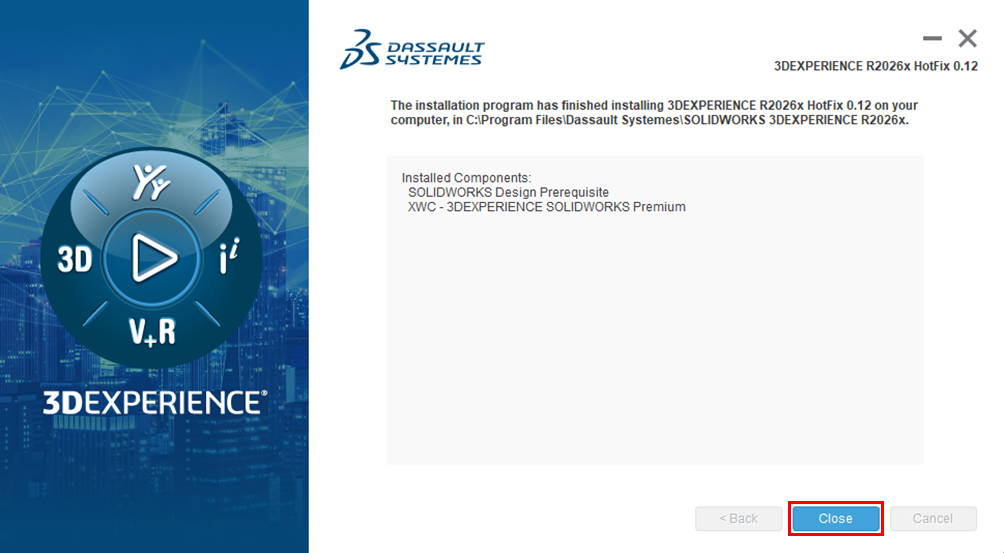
- Once the installation program has finished on your computer, click Close.
By
admin
/ May 2, 2026

