

Integrating Geometry and Orphan Mesh in Abaqus/CAE
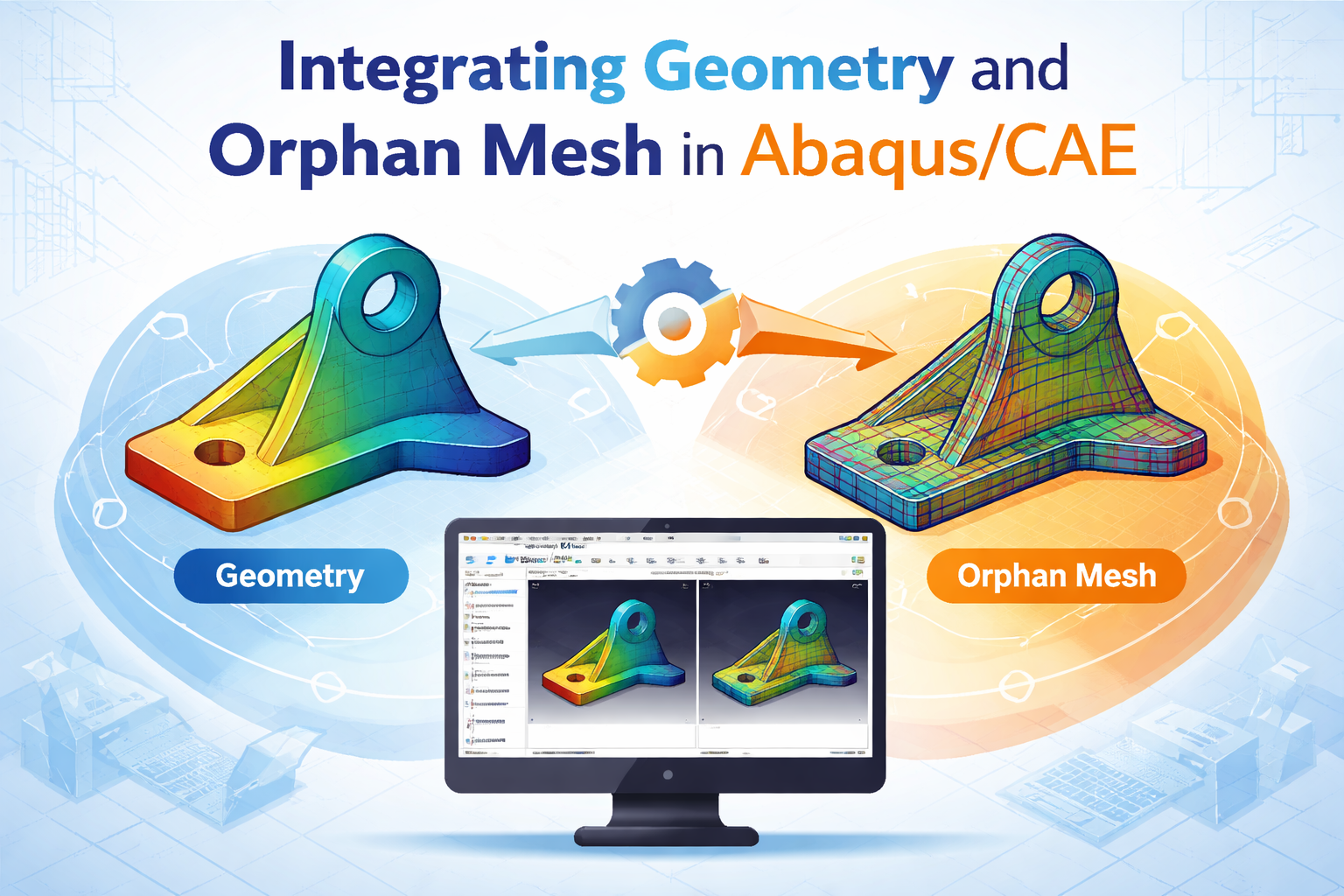
Introduction
You can analyse an assembly in Abaqus/CAE that has both a meshed .inp file and a geometry file by importing the orphan mesh from the .inp and combining it with the geometry-based part in the Assembly module. The key is to treat the .inp mesh as an orphan mesh part, then merge or couple it with the geometry part using constraints, interactions, or tie conditions before running the analysis.
Step-by-Step Guide
- Import the Geometry File
- Open Abaqus/CAE and go to the Part module.
- Import your geometry file (e.g., .sat, .igs, .step, or native CAD).
- This gives you a parametric part with full geometry features.
- Import the Meshed .inp File
- Go to File → Import → Model and select the .inp file.
- Abaqus will create an orphan mesh part (no underlying geometry, only nodes/elements).
- This is useful when you already have a meshed model from another solver or legacy Abaqus input.
- Build the Assembly
- In the Assembly module, create instances of both:
- The geometry-based part.
- The orphan mesh part from the .inp.
- Position them correctly using translate/rotate tools.
- Define Interactions Between Geometry and Mesh
- Since orphan mesh parts don’t have geometry features, you must use constraints or coupling:
- Tie constraints: Tie surfaces of the orphan mesh to surfaces of the geometry part.
- Coupling constraints: Couple nodes of the orphan mesh to reference points or surfaces.
- Contact interactions: If the mesh and geometry are meant to interact physically (e.g., contact analysis).
- Assign Materials and Sections
- Geometry parts: Assign materials and sections normally.
- Orphan mesh parts: You may need to reassign element types and sections if not already defined in the .inp.
- Mesh Considerations
- Geometry parts can be re-meshed in Abaqus/CAE.
- Orphan mesh parts cannot be re-meshed—you must use the imported mesh as-is.
- If refinement is needed, you must edit the .inp file externally or regenerate the mesh in CAE.
- Define Loads and Boundary Conditions
- Apply loads/BCs to geometry surfaces or directly to orphan mesh nodes.
- Use sets (node sets, element sets) defined in the .inp file for applying conditions.
- Run the Analysis
- Create a Step (Static, Dynamic, etc.).
- Submit the job. Abaqus will combine both parts in the assembly and solve them together.
- Results will be available in the Visualization module.

