

Lifecycle Management in SOLIDWORKS Electrical
Human memory doesn’t scale—and neither does manual file management.
When multiple designers collaborate on complex 3D cabinet layouts and intricate schematics, relying on verbal confirmations or manual file naming like (Project_Final_v2_UPDATED) is a recipe for disaster.
We need an automated system to act as the single source of truth, ensuring that engineering intent matches manufacturing reality every single time.
Active Design
Every new project or modification starts its journey in the In Work maturity state. As seen in the Maturity state machine diagram in the figure 1.this is the active phase where engineering takes place, To prevent concurrent modifications by other team members, the designer checks out the project, which marks the file status as Locked by me in the Electrical Project Management control panel in figure 2
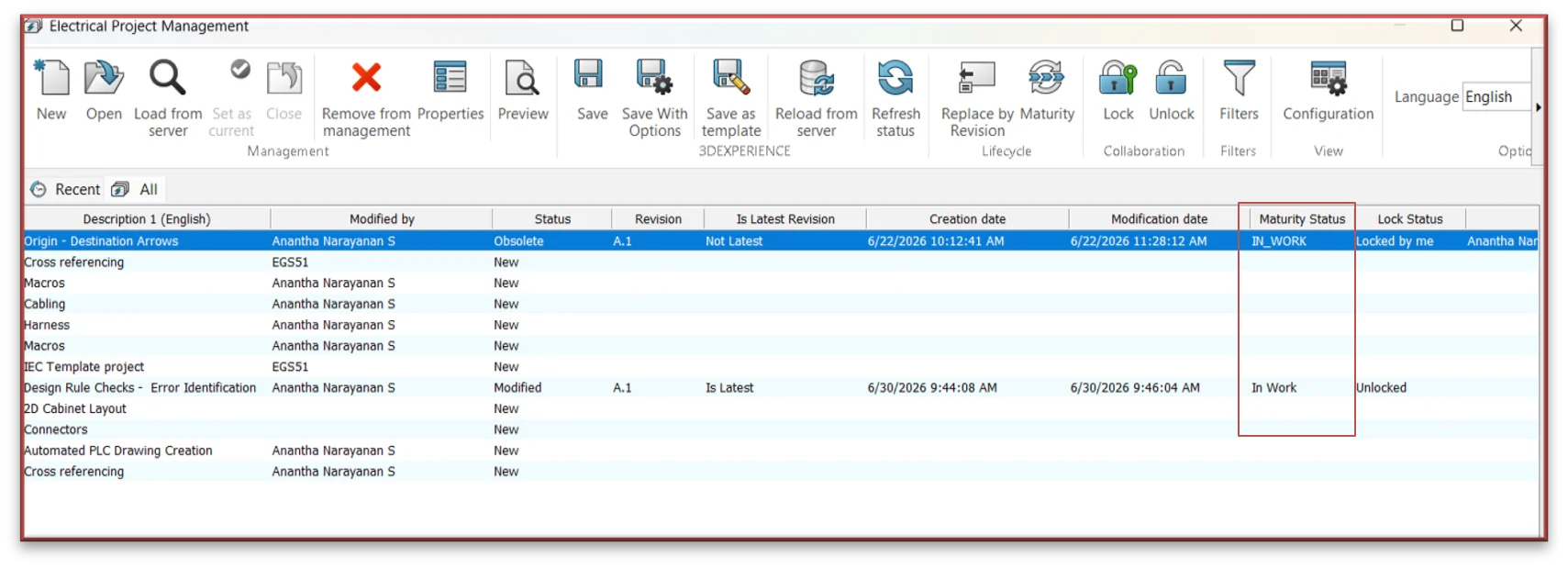
Figure 1
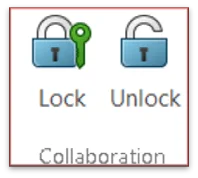
Figure 2
This exclusive lock ensures that while you are defining origin-destination arrows or placing connectors, your colleagues can only view the data in read-only mode, completely eliminating accidental data overwrites.
Capture Intent
Once the design changes or 3D routing revisions are ready, they must be committed back to the central repository or cloud platform. Instead of a generic save, Engineers use the Save With Options dialog window
- View exactly which objects are being modified before pushing changes.
- Check the current base revision (e.g., A.1).
- Check the Add Comment box to document what was changed
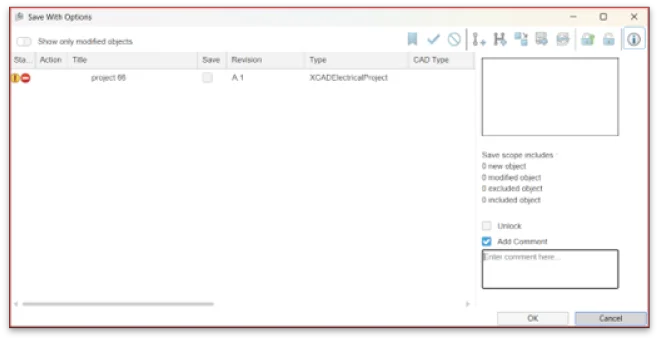
Figure 3
Progress the Maturity
To allow the rest of the ecosystem to access the project, navigate to the Collaboration ribbon and click Unlock.
With the design unlocked and completed, it is time to move it past the creation phase. Using the lifecycle options mapped out in figure 4and 5
- Freeze / Under Review: Temporarily locks down editing privileges while quality assurance validates the engineering logic.
- Release: Officially marks the project as Released. The design becomes a certified snapshot ready for production procurement.
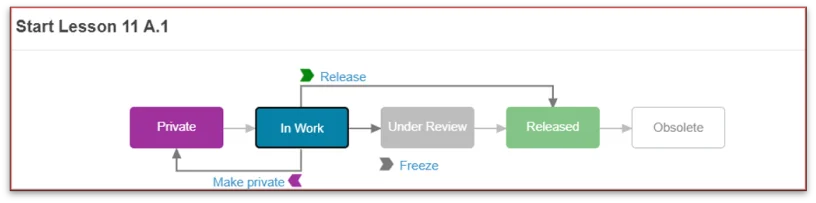
Figure 4
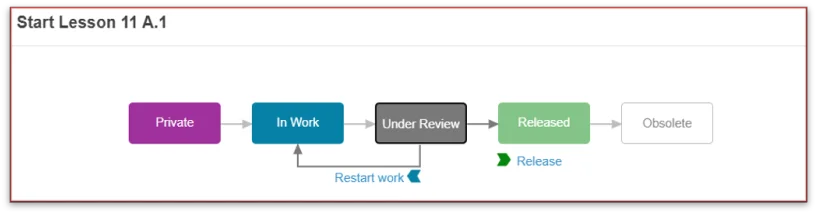
Figure 5
Track Evolution
Engineering is iterative. When a released project requires an engineering change order (ECO), the system increments the revision level rather than overwriting the previous master file.
As illustrated in the revision history window (figure 6), the initial baseline (A.1) is preserved for historical tracking. The system branches off a brand new node—Revision A.2—and resets its status back to In Work. This clear timeline ensures your procurement teams always know which revision is current and which is obsolete, maintaining complete data integrity across your enterprise.

Figure 6
Key Advantages of Managed Lifecycle Control
Implementing this structured workflow delivers distinct advantages to engineering and manufacturing teams:
- Elimination of Data Overwrites: Real-time collaboration locks ensure designers never overwrite each other’s active work.
- Traceable Engineering History: The system forces transparent audit trails through mandatory revision comments, capturing the exact “why” behind every design evolution.
- Production Error Reduction: By explicitly flagging older iterations as obsolete the moment a new one is activated, the shop floor is protected from building outdated layouts.
- Seamless Collaboration: Downstream teams (like procurement and assembly) can confidently pull the latest released bills of materials (BOMs) without waiting for manual confirmation from the design team.

