

SOLIDWORKS Practice Problems: From Tutorials to Real-World Modeling
Introduction
Most SOLIDWORKS users will recognise this experience. A tutorial goes smoothly — you follow each step, the model takes shape, and the feature logic makes sense. Then you open a blank part file, look at an engineering drawing, and the confidence fades.
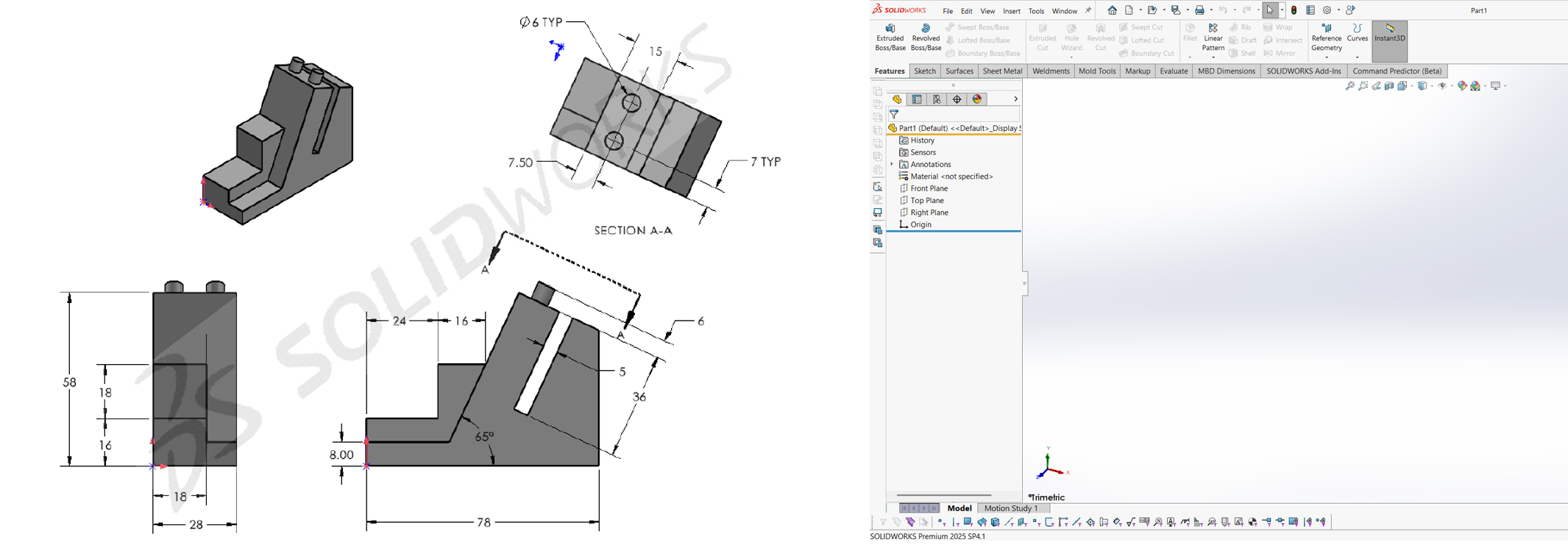
The commands are exactly where they were. The software has not changed. But the ability to translate a drawing into a finished model, independently and without guidance, feels considerably harder than it did with an instructor walking you through it.
This gap between following a tutorial and working from a drawing is one of the most common challenges in learning SOLIDWORKS. It does not mean the training was poor or that enough effort was not made. It is simply what happens when guided learning meets independent application.
Why Tutorials Are Only Part of the Picture
Tutorials are an essential starting point. They introduce tools, explain feature logic, and demonstrate the reasoning behind modelling decisions. However, they do have one limitation.
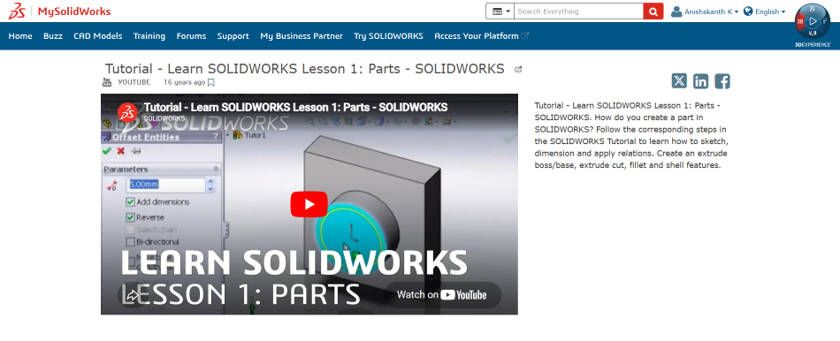
They are designed to teach, which means the path is predetermined. Sketches are pre-constrained, dimensions are provided in sequence, and each step follows naturally from the last. The user is not making decisions; they are following a decision trail that has already been laid out.
Independent modelling works differently. When you sit down with an engineering drawing, you have to decide where to start, how to interpret the geometry, which features to apply first, and how to avoid problems later in the model.
When working from a drawing, you need to:
- Decide how the model should be built.
- Choose the most suitable features.
- Plan the order of operations.
- Create a model that remains easy to edit later.
That kind of judgment is not something tutorials can develop. It comes from practice.
The Value of Drawing-Based Practice
What bridges the gap between tutorial knowledge and independent modelling is not more instruction, but repeated exposure to different problems. Each engineering drawing presents a different combination of geometry, dimensions, and modelling decisions. Working through them independently forces you to think, not just follow.
A simple part drawing may have several possible modelling approaches, and choosing the most effective one becomes part of the learning process. Over time, you begin to read a drawing and immediately form a mental model of how it should be built. You develop instincts about sketch strategy, feature sequencing, and how to handle geometry that does not present itself cleanly.
These instincts are difficult to teach directly — they are developed through practice.

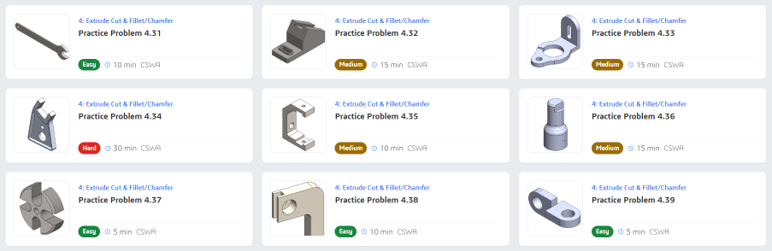
The SOLIDWORKS Practice Problems Library is designed around this principle. It provides a collection of engineering drawing-based exercises that require you to work independently.
There is no guided path, no step-by-step walkthrough, and no predetermined approach. You are given the drawing and expected to produce the model. That is where the real learning happens.
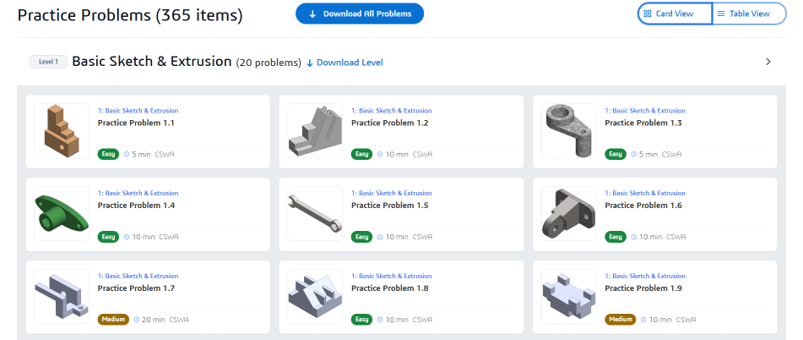
Focused on the Fundamentals
The Practice Problems Library covers foundational and intermediate SOLIDWORKS skills, broadly aligned with the topics addressed at the CSWP (Certified SOLIDWORKS Professional) level. This focus is intentional. Rather than exploring advanced or specialised workflows, the exercises are designed to strengthen core modelling ability — solid part modelling, sketch discipline, feature relationships, and sound modelling practices.
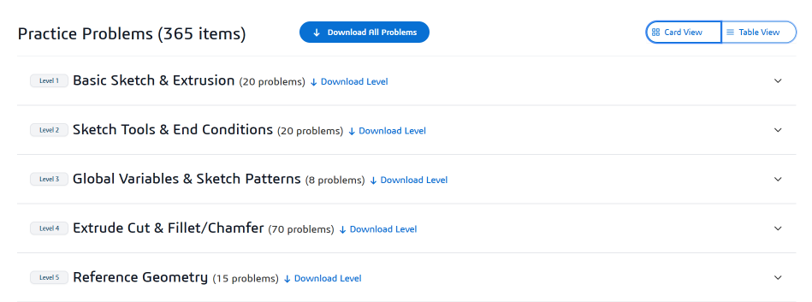
The exercises are also industry-neutral, drawn from general engineering contexts rather than any particular sector. This is not a constraint; it is a deliberate design choice. When practice problems are not tied to a specific domain, attention stays where it belongs: on the geometry, the drawing, and the modelling logic.
Making Practice a Consistent Habit
The goal is not simply to complete exercises, but to build confidence in your ability to approach unfamiliar models, make sound modelling decisions, and work independently.
A resource like the Practice Problems Library delivers the most value when it becomes a regular part of your skill development. Even working through one drawing per week can produce meaningful improvement over time.
The next time you complete a SOLIDWORKS tutorial, don’t stop there.
Put those skills to the test with a real engineering drawing and see how much you can build on your own. Explore the SOLIDWORKS Practice Problems Library and make deliberate practice a regular part of your learning journey.